


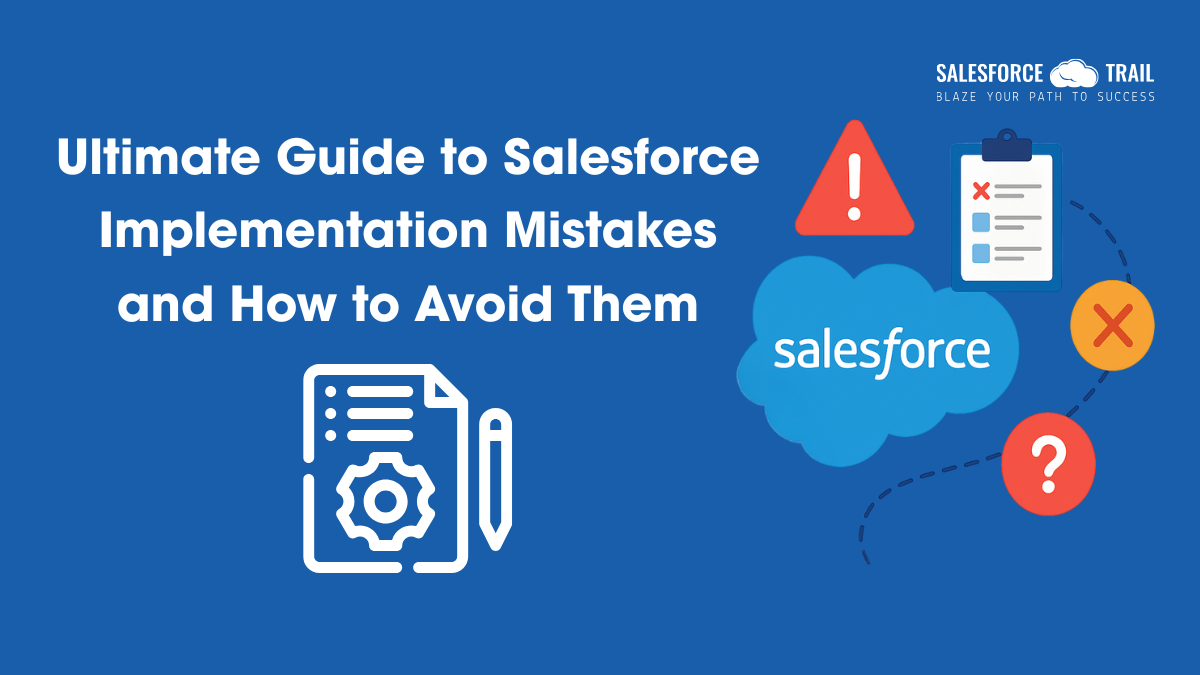


Salesforce is one of the most powerful #1 CRM platforms in the world. But despite its strengths, many businesses fail to get the results they expect, simply because of common and avoidable mistakes made during implementation.
Whether you’re starting fresh or trying to fix a failed rollout, this guide will help you understand the biggest Salesforce implementation mistakes and how to avoid them. Based on real-world experience and best practices, our aim is straightforward: to set your team up for long-term success with Salesforce.
Not Defining Clear Business Goals
Why this matters:
Jumping into Salesforce without understanding why you’re implementing it leads to confusion and missed expectations. If your business goals aren’t clear, your system won’t deliver real value.
How to avoid it:
- Ask: “What business problems are we solving with Salesforce?”
- Set measurable goals. For example: “Increase sales conversion rates by 25%” or “Reduce customer response time by 50%.”
- Align your configuration with SMART goals (Specific, Measurable, Achievable, Relevant, Time-bound).
Tip: Start with a simple roadmap. Keep your business objectives at the core of every technical decision.
Ignoring End User Feedback
One of the most underestimated Salesforce Implementation Mistakes is forgetting to involve the actual users—your sales reps, support agents, or marketing team.
Why it’s a mistake: If users don’t find Salesforce helpful or intuitive, adoption rates will drop, no matter how powerful your system is.
How to fix it:
- Collect input from different user groups early through interviews or surveys.
- Let real users participate in testing before go-live.
- Appoint “user champions” to provide feedback and train peers.
Practical Example: Your support team may prefer a single-screen case management setup—design for them, not just what looks good in a demo.
Over-Customizing the System
Why it’s a mistake:
Salesforce is highly customizable, but doing too much too soon can make your org complex, hard to maintain, and expensive to scale.
How to avoid it:
- Start with standard Salesforce features before building custom ones.
- Use point-and-click tools (like Flows or Validation Rules) before considering code.
- Only develop custom code when there’s a clear business need.
Make it simple. A clean, lean system is easier to adopt and manage.
Poor Data Migration Planning
Why it’s a mistake:
Migrating messy, incomplete, or duplicated data into Salesforce causes immediate problems. Poor data quality leads to bad decisions, frustrated users, and lost opportunities.
How to avoid it:
- Clean your existing data before migration.
- Standardize data formats (e.g., phone numbers, emails).
- Use tools like Data Loader, Data Import Wizard, or trusted third-party apps.
Pro Tip: Start with a sample data migration to test before moving everything.
Underestimating Training and Change Management
Why it’s a mistake:
Even the best system will fail if your team isn’t trained or supported through the change.
How to Avoid It:
- Provide training tailored to each role (sales, support, marketing).
- Communicate clearly about what’s changing and why.
- Offer ongoing support and refresher sessions post-launch.
- Keep communication open—celebrate quick wins, listen to feedback.
Bonus Tip: Assign internal Salesforce “champions” to guide others and boost adoption.
No Long-Term Plan After Go-Live
Why it’s a mistake:
Your work doesn’t end after launching Salesforce. Without support and updates, the system will fall behind your growing needs.
How to Avoid it:
- Assign a dedicated Salesforce Admin or team to handle updates, training, and feedback.
- Monitor adoption and usage reports regularly.
- Review and improve your system every few months.
Pro Tip: Use Salesforce reports and dashboards to track usage and identify improvement areas.
Not Exploring the Full Salesforce Ecosystem
Why it matters:
Salesforce offers powerful tools like automation, analytics, and integrations, but many businesses only use a small fraction of what’s available.
What to do instead:
- Learn about tools like Flow (for automation), AppExchange (for integrations), and Tableau (for analytics).
- Stay updated with Salesforce’s seasonal releases.
- Join Trailblazer Community groups or Salesforce events for insights.
Helpful tip: Don’t settle for “just working.” Look for ways Salesforce can help you grow smarter and faster.
Final Thoughts
A successful Salesforce implementation isn’t about doing everything—it’s about doing the right things. Focus on clear goals, involve your users, keep it simple, and plan for ongoing support. Avoiding common mistakes from the start will save time, money, and ensure long-term success.
Must-Visit Links:
- Salesforce Certifications Name Changes 2025: A Complete Guide for Salesforce Professionals
- Dreamforce 2025 Registration is Open Now: Everything You Need to Know
- How to Crack the Salesforce Interview: Real Questions and Tips from Experts
- Top Most In-Demand Salesforce Skills for 2025: What Professionals Need to Know
- How I Passed the Salesforce Data Architect Exam on My First Attempt
- How to Prepare for the Certified Agentforce Specialist Certification Exam
Resources
- [Salesforce Developer]- (Join Now)
- [Salesforce Success Community] (https://success.salesforce.com/)
For more insights, trends, and news related to Salesforce, stay tuned with Salesforce Trail

Vivek K.
Vivek is a skilled Salesforce Consultant and Developer who specializes in building efficient, scalable CRM solutions. At Salesforce Trail, he shares practical insights and tools to help professionals streamline processes and get the most out of their Salesforce journey.
- Vivek K.#molongui-disabled-linkNovember 3, 2025
- Vivek K.#molongui-disabled-link
- Vivek K.#molongui-disabled-linkOctober 6, 2025
- Vivek K.#molongui-disabled-link