Managing a modern sales process requires more than spreadsheets and scattered notes—it demands a structured system that helps sales teams track prospects, qualify real opportunities, and close deals with confidence. That’s exactly where a Sales Module within a CRM (like Salesforce or Dynamics 365) becomes essential.
The Sales Module acts as the digital backbone of your sales operations. It centralizes customer information, automates manual tasks, and ensures every lead moves through the pipeline with clarity and accountability. Whether you’re a Salesforce professional or new to CRM concepts, understanding this life cycle is key to optimizing your end-to-end sales workflow.
In this guide, we’ll break down each stage in the Sales Module life cycle using simple, practical language—so you can easily connect these concepts to Salesforce objects and real-world processes.
What is the Sales Module?
The Sales Module is a core component of Dynamics 365 CRM (or any CRM system) that helps businesses manage everything related to selling products or services. It streamlines the entire customer journey from the first interaction to the final payment, ensuring that every step is organized, tracked, and easy for sales teams to manage.
In simple terms, it’s like having a digital assistant for your sales process, making sure no lead is missed, every opportunity is tracked, and every deal is closed efficiently.
Sales Module Life Cycle
Think of the sales process like a story:
A person becomes interested → Company starts talking → Customer decides to buy → Company delivers.
Here’s the simplified cycle:
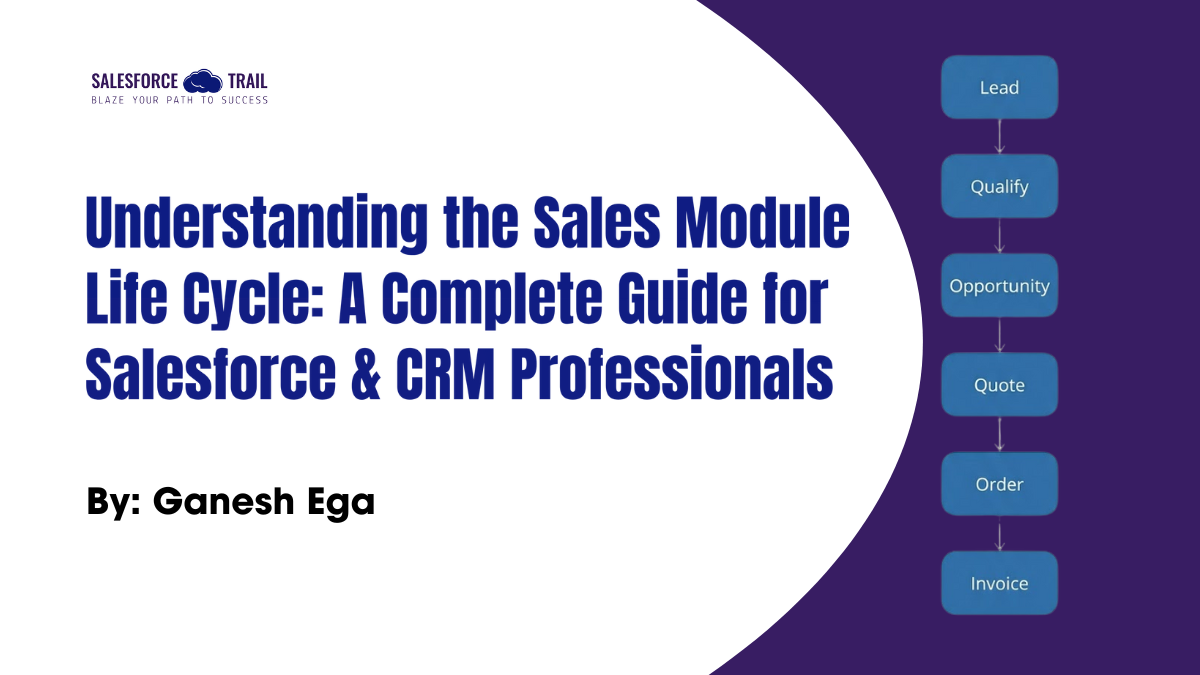
Lead → Qualify → Opportunity → Quote → Order → Invoice
Step 1: Lead
A Lead is someone who shows initial interest in your product or service.
This interest can come from:
- Marketing campaigns
- Website forms
- Calls
- Social media
- Referrals
At this stage, the person is just a possibility — not yet a confirmed customer.
Example:
A visitor fills out a form on your website requesting a demo of your CRM software.
- Source: Website form
- Details: Name, Email, Company, Interest in CRM solution
Step 2: Qualify / Disqualify
The sales team evaluates the lead to decide if it’s worth pursuing.
- If the lead is a good match (budget, need, interest), you qualify it.
- If not suitable, you disqualify it (reasons: no interest, no budget, duplicate, etc.).
When a lead is qualified, Dynamics 365 automatically creates:
✔ Account
✔ Contact
✔ Opportunity
Example:
Your sales rep calls the lead and finds:
- Budget: $10,000
- Need: CRM for 50 users
- Timeline: Next 3 months
✅ Qualified: System creates Account, Contact, Opportunity
❌ Disqualified: Reason: No budget or duplicate lead

Step 3: Opportunity
An Opportunity represents a potential deal.
At this stage, the salesperson:
- Understands customer requirements
- Estimates revenue
- Tracks timeline and competition
All follow-ups, activities, and interactions are recorded here.
Example:
Opportunity created for ABC Corp:
- Estimated Revenue: $12,000
- Close Date: 30 days
- Activities: Email follow-up, product demo scheduled
- Competitors: XYZ CRM
Step 4: Quote
A Quote is a formal document shared with the customer.
It includes:
- Products / Services
- Pricing
- Discounts
- Terms & Conditions
Quotes can be edited, revised, and re-sent until the customer approves.
Example:
Quote sent to ABC Corp:
- Products: CRM License (50 users)
- Price: $12,000
- Discount: 10%
- Terms: Payment within 30 days
Step 5: Order
When the customer accepts the quote, it becomes an Order.
This means the customer has agreed to purchase, and the deal is confirmed.
Example:
ABC Corp accepts the quote → Order created:
- Order Number: ORD-12345
- Status: Confirmed
- Delivery: Immediate activation of CRM licenses
Step 6: Invoice
An Invoice is generated from the order for payment.
Once the invoice is issued, the sales process is officially complete.
Example:
Invoice generated:
- Invoice Number: INV-98765
- Amount: $10,800 (after discount)
- Due Date: 30 days
- Payment Method: Bank Transfer
Full Process in One Line
👉 Lead → Qualify → Opportunity → Quote → Order → Invoice
Why This Process Matters
When businesses follow a structured Sales Module process, they benefit from:
Better sales forecasting
Opportunities show revenue potential and pipeline health.
Stronger customer experience
Every interaction is recorded, ensuring personalized and timely communication.
Reduced manual work
Automation removes repetitive tasks and prevents errors.
Data-driven decisions
You can track what’s working (and what’s not) across your sales funnel.
For Salesforce professionals, understanding these concepts enables them to design efficient sales processes, optimize automation, and create more effective sales dashboards and reports.
Final Thoughts
The Sales Module is more than a feature; it’s a framework that keeps your entire sales pipeline structured and predictable. From capturing a lead to issuing an invoice, every stage plays an important role in driving revenue and building customer trust.
When implemented effectively, a Sales Module becomes the core engine powering business growth. Whether you’re mapping processes in Salesforce or supporting a CRM rollout, mastering this life cycle helps you create stronger, scalable sales operations.

Ganesh Ega
Ganesh brings over 4+ years of expertise in CRM Analytics, with a strong background in Salesforce development. As a seasoned software developer, he has created numerous dashboards and solutions using Salesforce CRM Analytics. His passion for staying up-to-date with the latest enhancements and features drives him to continuously master new skills. Ganesh is dedicated to sharing his knowledge and expertise with others, empowering them to unlock the full potential of CRM Analytics
- Ganesh Ega#molongui-disabled-link