



Key Components of Salesforce Spiff
Let’s check a few key components present in Spiff.
1. Spiff Designer
Salesforce Spiff Designer helps sales teams build and manage commission plans. Combining the use of familiar spreadsheets and the power of automation makes it easier to design, implement, and automate commission plans so that companies can focus on growing their business.

2. Plan
A Spiff plan defines who gets paid, how payouts are calculated (rules/tables/formulas), qualifying criteria, and time windows — then automates real-time calculations and statements so reps see accurate earnings inside Salesforce.

We can get the data from Salesforce into Spiff, perform the calculations using Salesforce Spiff, and display the calculations back in Salesforce.
This helps the sales representatives to make decisions while closing a deal, keeping in mind commissions.
3. Quota
Each representative works for a certain target, and that’s what is referred to as a Quota. It refers to the target given by the organization to a specific user at a specific time.

4. Documents
Spiff has its in-built feature for generating commissions in a documented manner using the template provided. This document serves as a commission document for the specific period.
5. Connectors
An enterprise system is linked with multiple applications, and data flow happens in and out of those. Spiff provides you with an out-of-the-box connection experience with 50+ connectors to transfer data and perform remaining activities.

6. Ticket Management
Spiff has an in-built incident management tool that manages issues or concerns raised by any of the sales representatives. Users can log a ticket in Spiff’s ticket management platform, and the ticket is assigned to the respective assignee as specified in logic.
7. Integration Health & Spiff Troubleshooting
It’s required to monitor the health of integration between Salesforce and Spiff, and Spiff provides an integration health card for the Salesforce org.

The Need attention section will give you insights into statements that have errors. On a click of that, it opens a page as shown below.

The key advantage of an error statement is that it will give you a clear error statement, and it will also take you to the erroneous data through a guided path.
Just follow the path. You’ll reach the error location.
8. Reports and Dashboards
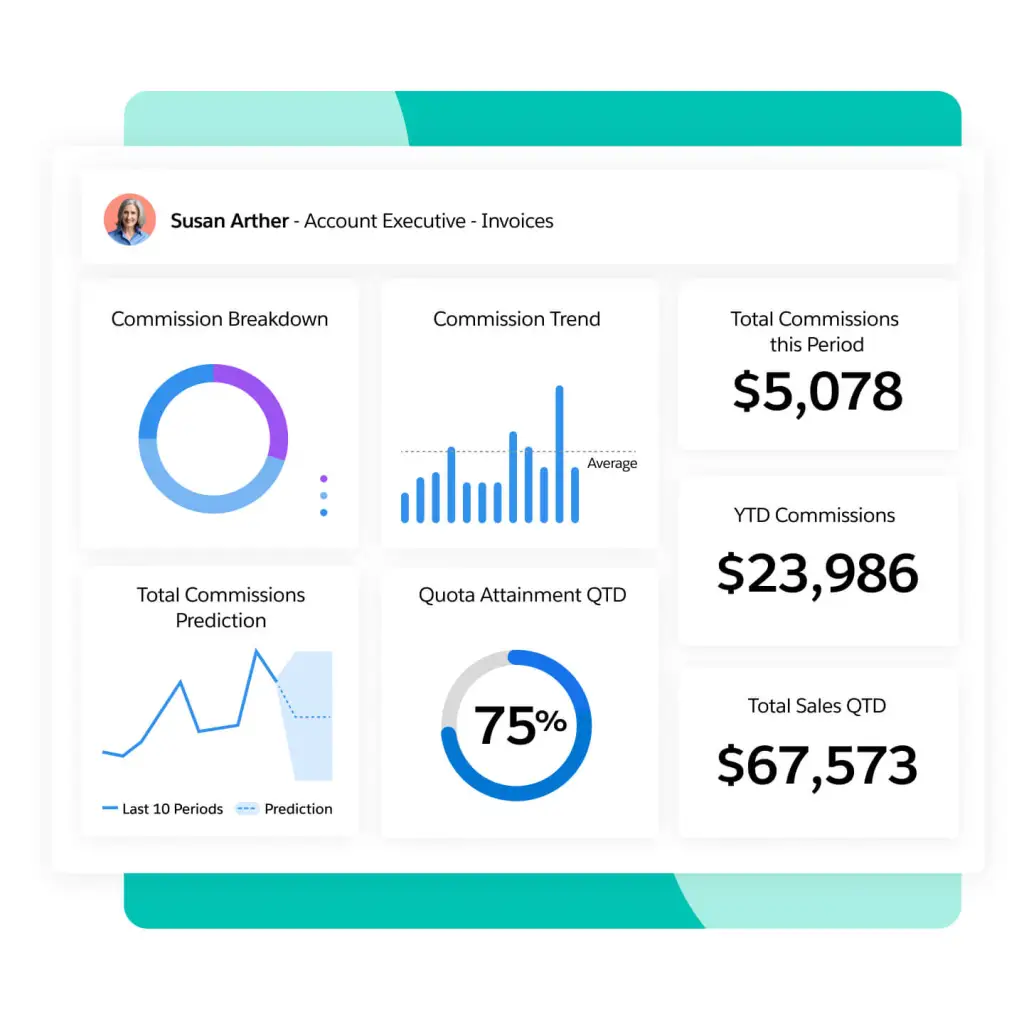
Spiff provides out-of-the-box reports, which include leaderboard reports, representative-wise reports, etc.

This gives better control for the manager in tracking the progress of the deal.




Abhishek R
I’m Abhishek R, a Salesforce Consultant, Administrator, and Business Analyst with around 4 years of experience delivering end-to-end CRM solutions. I have worked across Sales Cloud, Service Cloud, Field Service, Pardot, Data Cloud, Marketing Cloud, and CRM Analytics, helping businesses streamline operations, enhance customer engagement, and make data-driven decisions. I specialize in Apex, Flows, integrations, and platform management, with proven success in AgentForce implementations, AI-driven automation, and cross-cloud solutions. I hold 6 Salesforce Certifications and am a proud 5⭐ Ranger on Trailhead, constantly learning and exploring the latest Salesforce innovations. Passionate about solving real-world business problems, I focus on building scalable solutions, driving adoption, and enabling continuous improvement.