





When I started my journey as a Salesforce Admin, I’ll be honest — those first few weeks felt like standing in front of a dashboard full of buttons and wondering, “Where do I even start?”

If you’re new to the role, take a deep breath. You don’t need to know everything at once. The first 90 days as a Salesforce Admin are about learning, connecting, and setting a foundation for long-term success.

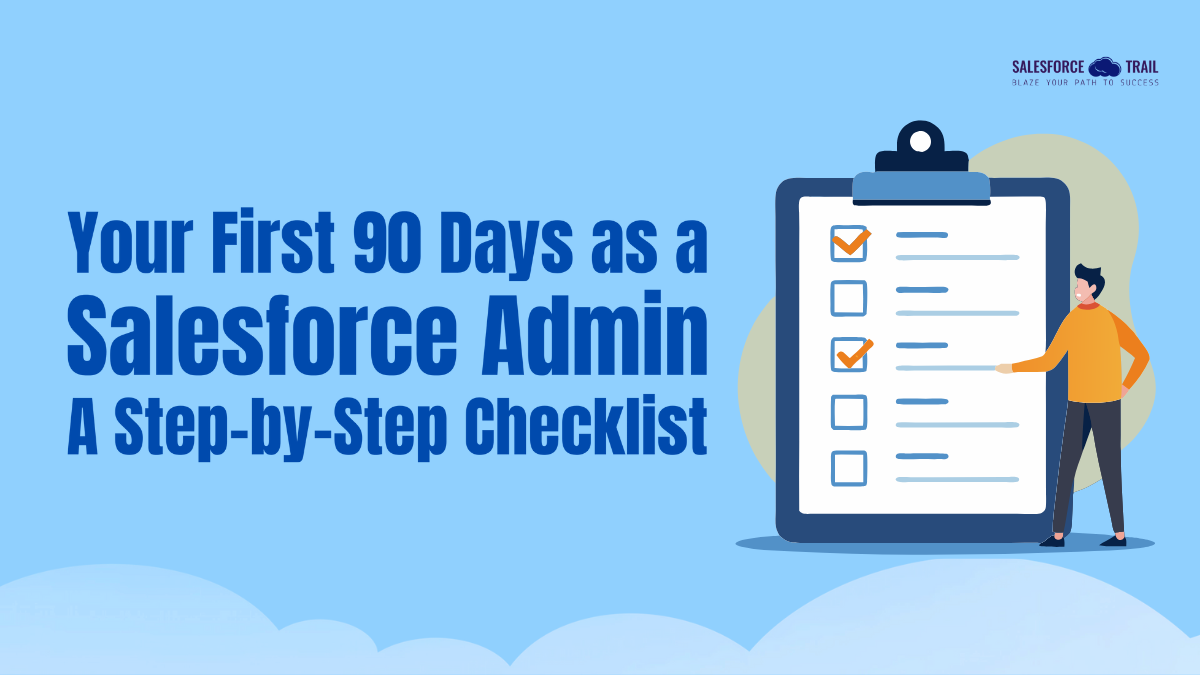
This Salesforce Admin Checklist is designed to help you move through those critical first three months with clarity and confidence — so you can go from “just getting started” to becoming the go-to person for your org.

Month 1: Understand the Org and the Ecosystem

Your first month is all about orientation — getting to know the system you’ll be managing and understanding the people who depend on it.

When I began, I spent time exploring every corner of our Salesforce org before making a single change. It’s like moving into a new house — you need to know where everything is before you start rearranging furniture.

What to Focus On:

  • Review your org’s data model — standard and custom objects, relationships, and key fields.
  • Study profiles, permission sets, and sharing rules to understand who can see what.
  • Identify your key stakeholders (Sales, Marketing, Support, etc.) and learn how they use Salesforce daily.
  • Check existing automation (Flows, Apex Triggers, Approval Process) and note potential dependencies.
  • Review your org’s setup, audit trail, and documentation to see recent changes or projects.

Month 1 Checklist

  • Log in as a few sample users to understand different profiles
  • Document key business processes (Lead → Opportunity → Account → Case)
  • Review “Trail: Admin Beginner” on Trailhead
  • Join your local Trailblazer Community Group for Admins
  • Bookmark Salesforce Help and Release Notes to stay current

Month 2: Build Relationships and Start Improving Processes

By now, you understand the system’s structure — but being a great Salesforce Admin isn’t just about configuration. It’s about people.

Your second month is the time to build trust with your team. Listen to their pain points, gather feedback, and start identifying small but meaningful wins that make their daily work smoother.

When I started implementing my first changes, I focused on automation that saved our sales team time — small improvements that built credibility fast.

What to Focus On:

  • Schedule short interviews or shadowing sessions with end users.
  • Identify quick wins — simple reports, dashboard updates, or automation cleanups.
  • Start organizing user feedback sessions to understand where Salesforce can help most.
  • Document every enhancement request and prioritize them.
  • Begin learning Flow Builder if you haven’t already — it’s your new best friend.

Month 2 Checklist

  • Create 2–3 new reports or dashboards for visibility
  • Automate one manual process using Flow
  • Review “Trail: Automate Business Processes with Flow” on Trailhead
  • Present one small improvement during a team meeting
  • Keep a change log of all updates you make

Month 3: Optimize, Automate, and Scale

Once you’ve earned the team’s confidence, it’s time to look at the bigger picture.
Your third month as a Salesforce Admin is about stabilizing what you’ve learned, cleaning up what you’ve found, and optimizing for the future.

This is where you shift from being reactive (fixing things) to being proactive (improving things).

What to Focus On:

  • Audit your data quality — duplicates, incomplete records, or outdated info.
  • Evaluate existing automations and workflows for performance and redundancy.
  • Set up dashboard KPIs that align with leadership goals.
  • Start developing a release management habit — document, test, and deploy responsibly.
  • Plan for training sessions or internal “Salesforce tips” emails to keep users informed.

Month 3 Checklist

  • Clean up duplicate records using Duplicate Rules and Matching Rules
  • Conduct a mini security review (profiles, permission sets, login access)
  • Document every change in a shared Admin log
  • Review “Trail: Data Quality” on Trailhead
  • Draft a simple quarterly improvement roadmap.

Bonus: Pro Tips for a Smooth Start

Success as a Salesforce Admin isn’t just about knowing the platform — it’s about continuous learning and community. Here are a few timeless tips:

  • Document everything: Whether it’s a Flow you built or a field you added, note it down. Future-you (or your successor) will thank you.
  • Keep learning: Bookmark the Salesforce Admin Career Path on Trailhead and dedicate at least one hour a week to learning.
  • Get involved: The Trailblazer Community is full of admins who’ve faced the same challenges. Engage, ask, and share — it’s one of the best learning environments out there.
  • Celebrate progress: Reflect on your wins — even small improvements count.

Final Thoughts

Your first 90 days as a Salesforce Admin are about exploration, connection, and consistency. You won’t master everything — and that’s okay.

What matters most is building momentum: learning your org, improving a little each week, and supporting your users with empathy and curiosity.

Over time, those early steps become the foundation of your Admin career — one where you’re not just managing Salesforce, but empowering an entire team to work smarter and achieve more.

So take it one month at a time. Keep this Salesforce Admin Checklist handy. And remember: every great Admin once started exactly where you are — learning, experimenting, and growing with the Trailblazer spirit.

Priya Rastogi
Priya Rastogi

Priya is a Salesforce Admin who believes in the power of continuous learning and collaboration. She’s passionate about exploring how Salesforce can simplify work, boost productivity, and create better user experiences. When she’s not experimenting with new features or automating processes, Priya enjoys connecting with fellow Trailblazers and sharing insights to help others grow in their Salesforce journey.

Share.
Leave A Reply

Exit mobile version