



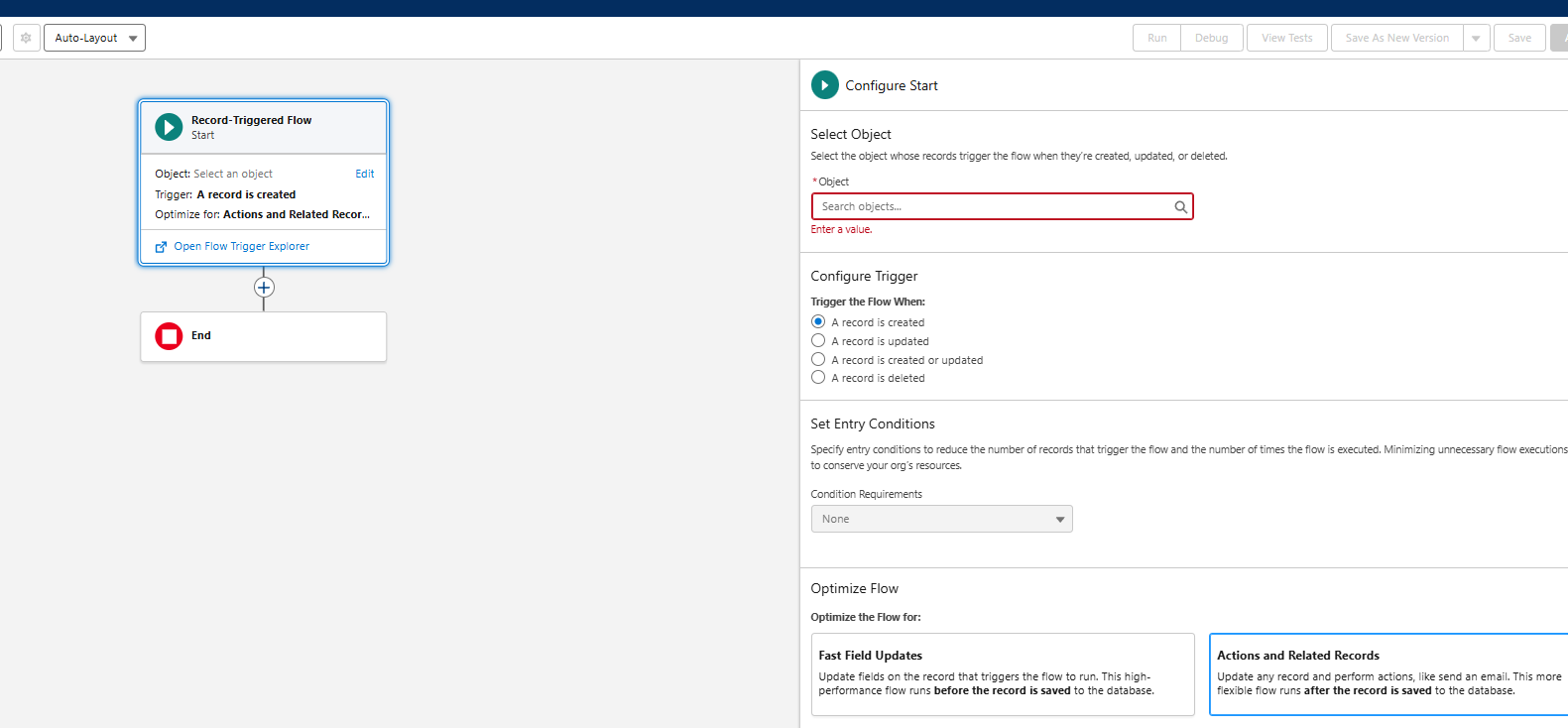
Record Triggered Flow
Whenever we create, update, or delete a record, the flow is triggered automatically. A user might notice a single change in records and start performing the same task manually, which wastes valuable time.
Solution:
It automates all repetitive tasks and creates reminders and alerts for quick responses. It also eliminates user dependency, making the process more automated.
On the Salesforce setup page, search for ‘Flows’ in the search bar (located on the left side).
Then click on New flow (right side)
Here, click on the Record-Triggered flow.

Now, you are ready to add objects in the next window.
A user can create, update, or delete the existing record here. We can see the Salesforce Flow Builder canvas on the left side. We can add an action to whatever we want, such as sending emails, etc.
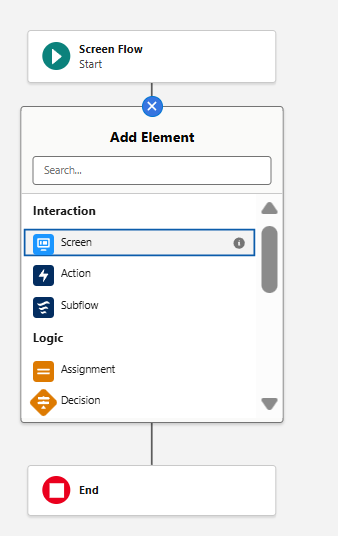
Screen Flow
It is an interactive flow that runs when a user clicks through screens, fills forms, and makes any selections. We have seen users often enter wrong data or miss the right process to follow.

Solution:
It guides the user step-by-step and ensures consistent execution of the process. When Screen flow is on, a user can see the screen where buttons, forms, and choices are visible. It also removes any misleading information and makes it more user-interactive.
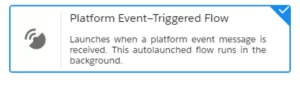
Platform Event Flow
It runs automatically when platform events are triggered in Salesforce. We have seen that there is a need for external systems, such as IOT devices and a payment gateway, to update Salesforce instantly, which seems quite complex using the API alone.
Solution:
This platform event is published through external systems and helps update Salesforce quickly. It provides a real-time solution with minimal manual effort.
Scheduled Triggered Flow
It runs at a set time (daily, weekly, monthly, or custom-scheduled time) in the background.
A user can forget to check daily overdue opportunities, cases, or tasks. This is where this flow works.
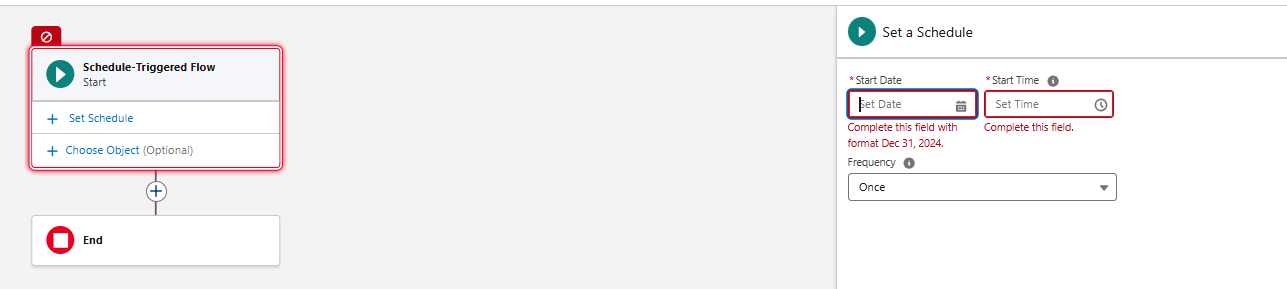
Solution:
It helps with data clean-up from time to time, allowing time-based processes to run automatically. This eliminates delays in the overall process.
Auto-Launched Flow
It runs when a user directly calls via Apex, API, or Process Builder. It is a background worker in Salesforce. We may face data inconsistencies, repetitive back-end work, or unintentionally forget the most important step.
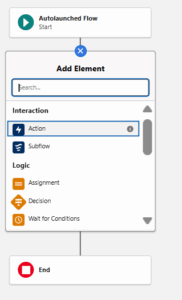
Solution:
It synchronizes all related records and helps in maintaining consistency. It also helps in avoiding any manual intervention.
Record-Triggered Orchestrator Flow
It is a multi-step, multi-user automation flow. It helps when there are multiple processes in a single task.

Solution:
It coordinates tasks among people within a project and helps maintain efficiency. It helps in overall tracking progress at each step.
Final Thoughts
Salesforce Flow automation is not only convenient but also one of the most efficient solutions. It goes beyond simple automation, enabling work to be done smarter, faster, and with significantly reduced or even eliminated manual effort.


Mark Jacobes is a seasoned Salesforce expert, passionate about empowering businesses through innovative CRM solutions. With over 6 years of experience in the Salesforce ecosystem, Mark specializes in Salesforce development, integrations, and digital transformation strategies.
- Mark Jacobes

- Mark Jacobes

- Mark Jacobes

- Mark Jacobes