








If you have spent time in the Salesforce ecosystem, you know that Flow is an admin’s best friend. It is our go-to tool for declarative automation, creating guided user experiences, and executing complex logic without writing a single line of code.

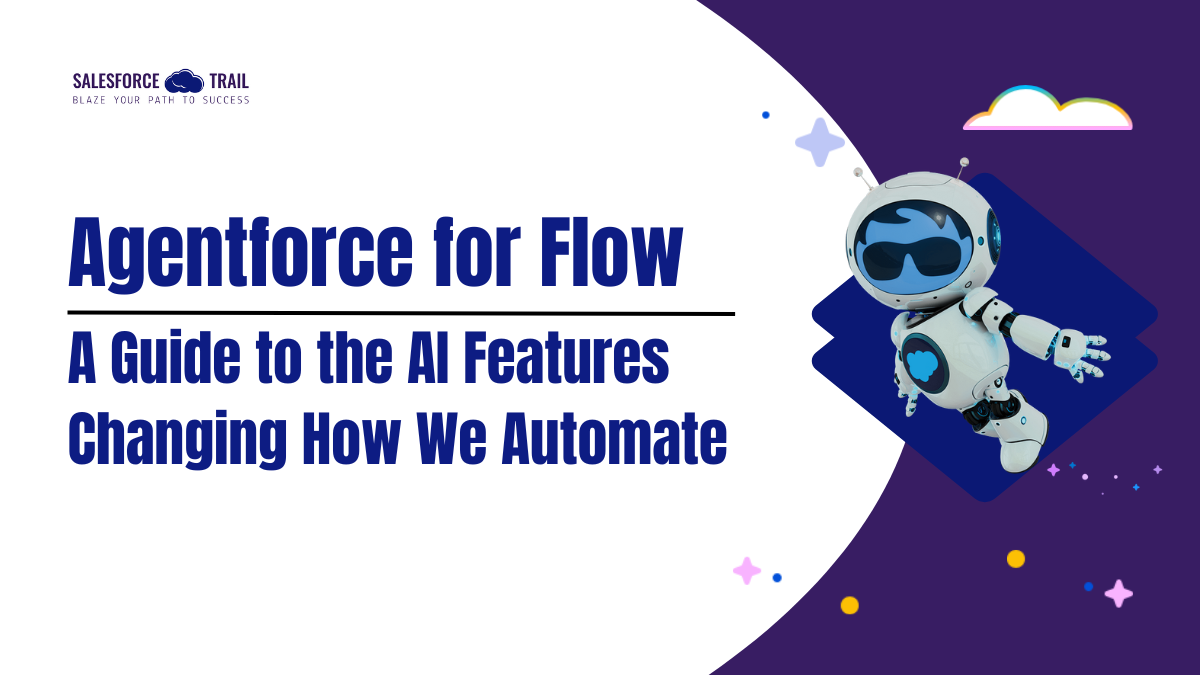
But as powerful as Flow is, building and maintaining complex automations takes time. That is where the next evolution of Salesforce configuration comes in: Einstein for Flow (soon to be called Agentforce for Flow).

These new tools use Large Language Models (LLMs) as a “helper,” enabling us to create, document, and change automations more quickly than ever before. Whether you are a new admin learning the ropes or an architect looking to streamline your build process, here is a breakdown of the three key AI features you need to start using.

Table of Contents

What Is Agentforce for Flow?

Agentforce for Flow uses large language models (LLMs) directly inside the Flow Builder to assist with common automation tasks. Instead of starting from scratch or manually documenting logic, admins can collaborate with AI to:

  • Draft Flows from plain-language prompts
  • Understand complex or inherited automations
  • Maintain and evolve Flows more efficiently
  1. Draft with Einstein: From Prompt to Prototype

Sometimes the hardest part of building a Flow is just getting the initial elements on the board. The Draft with Einstein feature solves this by letting you build the foundation of a Flow simply by typing a prompt.

How Draft with Agentforce Works

Instead of manually dragging elements onto the canvas, you describe what you want the Flow to do in natural language. AI interprets your prompt and generates a draft Flow structure for you.

You can specify details such as:

  • The Flow Type: (e.g., Record-Triggered).
  • The Object: (e.g., Contact).
  • Entry Conditions: (e.g., Created or Updated).
  • The Action (CRUD): Be specific about Create, Read, Update, or Delete permissions

For example, if you prompt the system to “send an email when a Contact is created,” the AI will automatically configure the start element, set the object triggers, and populate the “Send Email” action with labels, descriptions, and recipient details.

Currently, two versions are available: the original version and a next-generation beta version, designed for more accurate record-triggered and schedule-triggered flows. Note that to access these features, your org requires the Foundations or Agentforce 1 edition.

Why Prompt Quality Matters

Agentforce is only as effective as the instructions you give it. Clear, detailed prompts produce cleaner Flow drafts. Vague requests often lead to incomplete or generic configurations.

Think of prompting as writing requirements for a junior admin. The clearer you are, the better the outcome will be.

  1. Flow Summarization: Making Sense of Complex Logic

Anyone who has inherited a Salesforce org knows this pain: opening a Flow that looks more like a spider web than an automation. Even your own Flows can be hard to decipher months later.

Instant, Human-Readable Documentation

The Summarize Flow feature addresses this pain point head-on. With the click of a button inside the Agentforce panel, the AI analyzes the entire automation (even complex, “spaghetti” flows) and generates a natural language summary of exactly what the Flow does

Actionable Workflow

This isn’t just for reading; it is for documentation hygiene. You can:

  1. Generate the summary.
  2. Ask the AI to revise the length to make it more concise.
  3. Click “Add to Description” to save it directly to the Flow’s metadata.

This ensures your automations are accurately documented for future troubleshooting, so you don’t need to write the descriptions.

  1. Modify Flow with Natural Language (Coming Soon)

Salesforce has also shared a feature that will be available soon, which is modifying your flow conversationally.

Soon, you will be able to open the Agentforce panel and describe changes using natural language, for example, asking to add a new decision path or update a field. The AI will suggest the updates, which you can then confirm and apply with a click.

Why This Matters for Your Career

It is easy to dismiss AI as just a shortcut, but for Salesforce professionals, these tools represent a shift in how we work.

  • For New Admins: These features act as a tutor. By prompting the AI and seeing how it constructs the solution, you learn best practices for configuring start elements and actions.
  • For Experienced Professionals: It is an efficiency engine. It handles the tedious setup work, allowing you to focus on complex business logic and architecture. It also solves the never-ending problem of documenting technical debt.

Final Thoughts

Mastering these features is essential for “futureproofing” your organization’s automation strategy. As we move toward the Agentforce era, the admins who know how to effectively prompt and guide these AI agents will be the ones driving the most value.

Akanksha Shukla
Akanksha Shukla
Content Writer at Salesforce Trail

Akanksha is a Content Writer at SalesforceTrail.com, contributing educational content that supports Salesforce professionals in learning, growing, and advancing their careers within the Trailblazer ecosystem.

Share.
Leave A Reply

Exit mobile version