


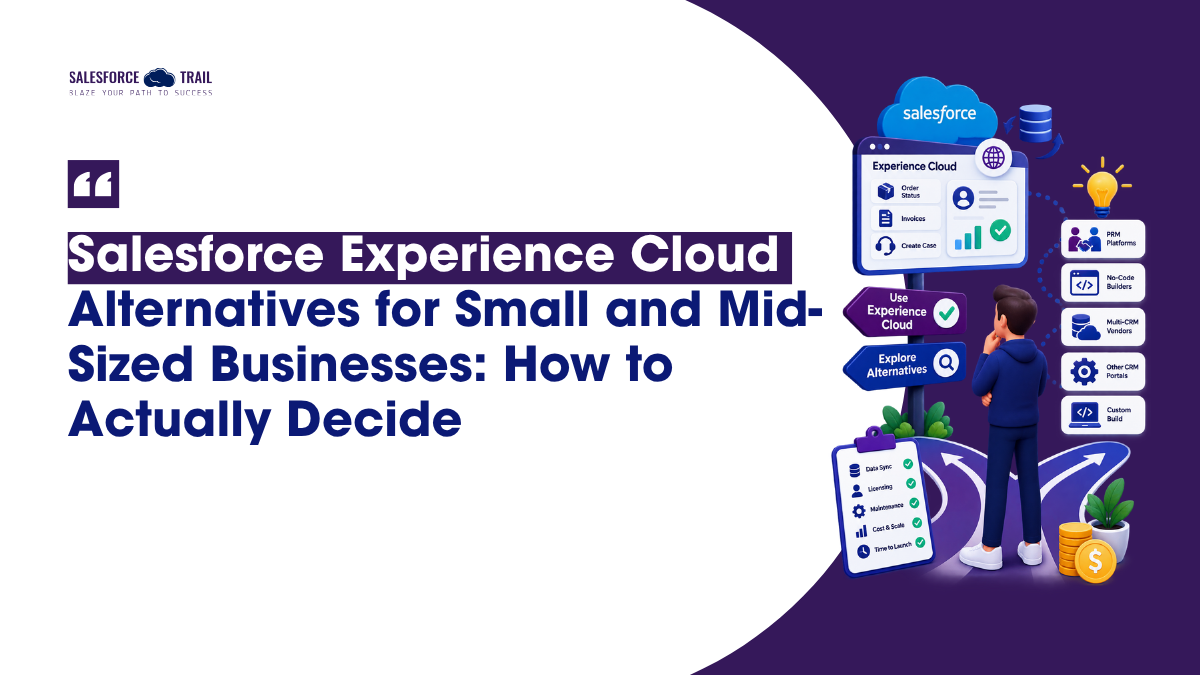
A 40-person distributor decides its customers need one place to check order status, download invoices, and open a case without emailing a rep. This is known as a customer portal. On Salesforce, the right solution for this is ‘Experience Cloud,’ and most teams try to find out its cost first.
Wrong first move. Or at least an incomplete one. Portal projects at this size usually turn on two questions the quote never answers: how closely the portal has to track live CRM data, and who inside the company keeps changing it after launch. Answer those two and your shortlist gets short fast, faster than any feature comparison will manage.
So before ranking anything, it helps to be clear about what Experience Cloud is in 2026, where it genuinely fits, where teams reasonably look elsewhere, and how to weigh a Salesforce customer portal against the alternatives without ending up holding a spreadsheet that says everything and decides nothing.
Table of Contents
What is Experience Cloud, and How Salesforce Licenses It
Experience Cloud is Salesforce’s own platform for building portals, help centers, partner sites, and public pages on top of CRM data you already hold. It was called Community Cloud until 2021. The product name changed. Most of the license names did not, which is why quotes and docs still say “Community” and confuse people who only know the new name.
Sites get built in Experience Builder. New builds generally start on the Build Your Own (LWR) template, which runs on Lightning Web Runtime, while older Aura templates like Customer Service and Partner Central are still supported and still everywhere. If you are starting today, LWR is the sensible default unless something specific pushes you back to Aura.
There is also an AI layer now, and it is worth knowing before you shop. Salesforce’s Summer ’26 release introduced Agentforce Self-Service, which pairs a Help Agent with a portal experience that can be set up in a handful of clicks and answers customer questions inside the portal itself rather than routing every query to a case. If your portal is mostly for support deflection, that changes the build math a little.
External users are licensed separately from internal Salesforce seats. The main external license types are Customer Community, Customer Community Plus, Partner Community, Channel Account, External Apps, and External Identity. The distinctions that matter day to day are about record access rather than branding:
- Customer Community is the high-volume license. These users sit outside the role hierarchy, which is what keeps very large user counts performant, and record access is granted through sharing sets and share groups rather than roles.
- Customer Community Plus adds roles, standard sharing rules, and reports and dashboards.
- Partner Community adds access to sales objects such as leads, opportunities, and campaigns, which is what a channel or reseller portal needs.
Those licenses are metered in more than one way, and for a small company, the metering model usually matters more than the tier does.
| License model | How it is counted | Typically fits |
|---|---|---|
| Member | An annual seat for each named external user, counted whether they sign in or not | Users who sign in regularly and predictably |
| Login (pooled) | A monthly pool of logins, drawn down one credit per user per 24-hour period | Users who sign in occasionally or seasonally |
| Channel Account | Licensed at the partner account level rather than per individual user | Partner portals with many users per account and fluctuating headcount |
Two mechanics are worth knowing before modeling anything. A login pool counts one login per user per 24-hour period, so someone who signs in three times on Tuesday consumes one credit rather than three. And once a pool is exhausted, further logins bill at overage rates, so a pool sized to average traffic can get uncomfortable during a seasonal peak.
One caveat on numbers. Salesforce does not publish standard external-user rates in any durable public form, and the figures circulating on consultancy blogs disagree with each other by a wide margin. Get a quote against your own user count and login pattern rather than budgeting from something you found in a search result. The mechanics above are stable. The prices are negotiated.
When Salesforce Experience Cloud Is the Right Call
For plenty of small and mid-sized teams, it just is, and the reasons are structural rather than promotional.
The portal reads and writes the same records your team already works in. No sync layer, no scheduled job, no second copy of the data to reconcile when a case status flips at 4 pm. That one property quietly removes a whole category of problem that every external portal has to solve some other way.
Native capability rides along with it. Knowledge articles for deflection, case creation and escalation landing straight into Service Cloud, and the newer Agentforce components that can answer questions and kick off workflows without an integration sitting in the middle. If your customer portal is mostly self-service support, that is a lot of function with nothing to wire together.
Licensing can also be genuinely inexpensive at small scale. Three hundred customers who log in twice a year to grab a document cost very little against a login pool, and Channel Account licensing can be just as efficient for a partner portal with unpredictable headcount. Most teams default to named member seats without ever checking whether their real login pattern favors a pool. Run that one comparison first. It costs nothing and settles more evaluations than you would expect.
The skills are also hireable. Salesforce admins and consultants are one of the easier technical markets to buy into, by hiring or by contract, which is not true of every portal platform that lands on a shortlist.
The Cost That Sits Underneath Every Option
This is what catches first-time portal buyers, and it hits Experience Cloud and every alternative the same way.
A customer portal is not a purchase. It is a standing configuration job. Fields change. Layouts change. Permissions change. A new document type needs to show for one account type and not another. Someone does that work every month, for as long as the portal is live.
On Experience Cloud, that someone needs real Salesforce skills: sharing sets, permission sets, page layouts, and guest user sharing rules for anything unauthenticated. If you already have an admin on your staff, the capacity exists, although it is not free. Salary.com currently puts the average US Salesforce administrator salary near $90,000 a year, and broader trackers like ZipRecruiter and Glassdoor land closer to $99,000, so call it high five figures either way. No admin in-house? Then you buy the skill by the hour, and Salesforce consultants generally bill $50 to $300 an hour depending on scope and location.
Third-party portal products do not remove that cost. They change its shape. Several genuinely do move routine changes into a point-and-click screen an operations person can handle, and that is the single strongest thing any of them can say for itself. But the same choice adds a second vendor, a second renewal, a second support queue, and an integration between portal and CRM that has to keep working. That integration is the trade you are making for the configuration savings. Real trade, not a free win.
Which makes the useful question for every vendor, Salesforce included, narrow and concrete: when a customer asks for one extra field on a form next Tuesday, who does that work, how long does it take, and what does it cost?
What to Compare, and What to Ignore
Feature grids are close to useless when comparing Salesforce customer portal options, because nearly every product will tick nearly every box. These five questions separate them better.
- Who makes changes after launch. Ask each vendor to make a real change live on a call rather than in a scripted demo, and name the person on your side who will own it.
- How the price behaves as you grow. Per-user, per-login, account-level, tiered, and flat models all exist, and each suits a different usage curve. Model your expected year-three volume, not today’s, and ask what renewal looks like.
- How the portal gets its data. Native means no sync. Anything external means an integration, so ask what syncs, how often, and what happens when it fails.
- Realistic time to live. Not the vendor’s fastest case. Ask for the median for a portal like yours, staffed like yours.
- What leaving looks like. Portal data, custom pages, and configuration on exit. Almost nobody asks before signing.
The Categories of Experience Cloud Alternatives
Most roundups rank alternatives one through ten. Ranking misleads because these products aren’t chasing the same job. Grouping them by what they are for is more useful, so here are the categories without the sales pitch.
Salesforce-native add-ons. Tools that build on and beside Experience Cloud, adding form building, richer components, and prebuilt portal functionality while keeping everything inside Salesforce. Good fit when you are committed to Salesforce but the standard templates run out of road. The native data model stays, and so does the Salesforce skill requirement.
Partner-relationship-management specialists. Products built around channel work: deal registration, partner onboarding, tiering, co-selling. If the thing you are calling a customer portal is really a partner portal, this category earns a look. Pricing tends to be per user, so it tracks partner headcount and deserves modeling early.
No-code application builders. Quick and cheap for straightforward portals. The catch is that they usually run on their own database rather than on your CRM records, so keeping the two in step becomes your job. Fine for a lightweight tool, harder for a portal that has to show live case and order status.
Portal builders for other CRMs. These live in the Dynamics or Dataverse world rather than Salesforce. Mostly relevant if you run more than one CRM and have already discovered that each platform’s portal is its own island.
Independent multi-CRM vendors. A smaller set of portal products sit deliberately outside any single ecosystem and connect to several CRMs at once. They suit businesses that have switched CRM before, or expect to, since the portal layer does not have to be rebuilt when the system underneath it changes. CRMJetty is one example, supporting Salesforce alongside Dynamics 365, SugarCRM, and SuiteCRM. Living outside the platform is the whole point of the category, so hold these products to the same integration questions as any other external option: there is a sync layer here, and you should interrogate it before you commit.
Building in-house. Still defensible for a genuinely simple, read-only view serving a handful of accounts. It stops being defensible fast once authentication, granular permissions, and two-way CRM sync show up, which in my experience is around month three.
A Sequence That Works Better Than a Shortlist
- Count external users and estimate how often each one actually signs in. That ratio decides whether member seats, a login pool, or account-level licensing fits, and it is the single most useful number you can produce.
- Write down the three changes you are most likely to need in year one, then make every vendor, Salesforce included, do one of them live.
- Name the person who owns the portal after launch. If that cell is empty, weight ease of change above every feature on the list.
- Price each option at expected year-three volume and ask what happens at renewal.
- Ask each vendor what leaving looks like, before signing anything.
Final Thoughts
Do not open a vendor comparison yet. Open a spreadsheet with two columns: every external user, and how many times a year each one realistically logs in. That single ratio tells you whether you are looking at member seats, a login pool, or account-level licensing, and it quietly rules out half your options before a single demo. Produce that number this week. Then go shopping.

Pratik Shah
Pratik Shah is the Creative Head at CRMJetty, a leading provider of CRM portal solutions for Salesforce, Dynamics 365, and SuiteCRM. He focuses on creative strategy, design, and visual communication, and he also writes about CRM, customer portals, and the broader technology industry.
- This author does not have any more posts.