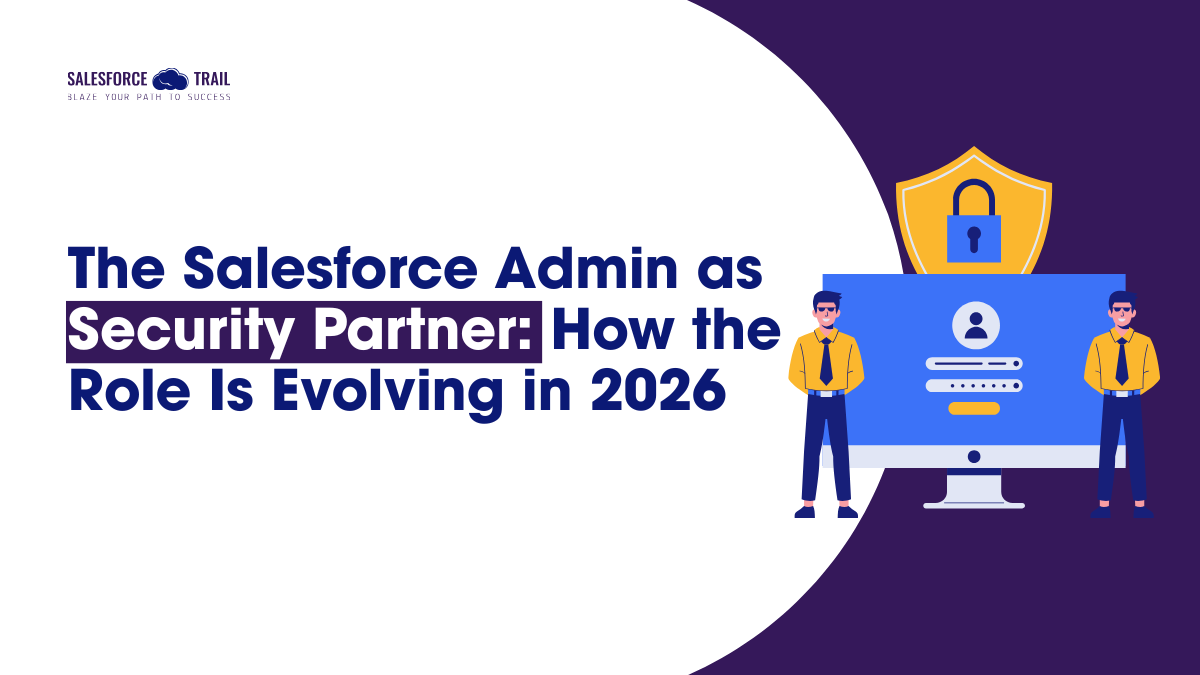
Not long ago, the most stressful part of the week for a Salesforce Admin was handling the “I can’t log in” ticket that inevitably arrived on Monday morning. Today, those same admins are getting pulled into conversations about OAuth token exposure, AI governance guardrails, and what happens when a CISO finally realizes their enterprise security strategy has a Salesforce-shaped blind spot.
That’s not an exaggeration. It’s the direction the role has been moving for a while, and 2026 is the year it becomes undeniable.
Kate Lessard from Salesforce’s own Admin team stated this clearly in the January 2026 Roadmap Podcast: Admins are increasingly being prioritized to collaborate with security teams, legal teams, and business leadership to implement trusted AI. This was not a speculative futuristic prediction; rather, it was a description of what is already underway.
This article is about what that shift actually looks like in practice: the conversations it demands, the skills it requires, and how admins can move from being reactive defenders to proactive security partners.
Table of Contents
What “Security Partner” Actually Means for Admins
This perspective matters: being a security partner is not the same as becoming a security engineer. Admins are not being asked to write detection rules or run penetration tests. The value they bring is something different in an organizational context, paired with platform depth.
Partnering with the Security Team (CISO Collaboration)
CISOs now understand that securing Salesforce data is their responsibility, not just the admin team’s. But they often don’t know the org well enough to act without help. That’s the opening for admins.
What a productive CISO-admin partnership looks like in practice: the admin maps out which objects contain sensitive data, which permission sets have unnecessary access, and which connected apps haven’t been reviewed in two years. The CISO brings the risk framework and the organizational authority to enforce changes. Together, they prioritize what gets fixed first.
That collaboration between the admin context plus security authority is more effective than either party working alone.
Partnering with Legal and Compliance Teams
Data residency, GDPR, India’s DPDP Act, and AI model governance are no longer conversations that admins can afford to leave to lawyers. When legal asks, “Where does our customer data live and who can see it?” the admin is often the only person who can answer accurately.
This is especially true for Agentforce implementations. When an AI agent is making decisions based on CRM data, legal teams need to know what data it can access, whether that access is logged, and how decisions can be audited. Admins who can answer those questions become indispensable in compliance reviews.
Partnering with Business Leadership
The admin’s unique advantage in these conversations is that they understand both sides: what the Salesforce platform can do, and what the business actually needs it to do. That translation skill matters more than ever when leadership is trying to move fast with AI, and an admin is the person explaining why a particular automation needs guardrails before it goes to production.
Proactive governance is the operative phrase here. When admins wait to be told there’s a problem, they end up in cleanup mode. When they surface risks early — even informally, even in a Slack message — they’re functioning as partners rather than support.
The New Conversations Admins Need to Be Ready For
If you’ve not been included in security or compliance meetings before, there are five types of conversations you’re likely to get pulled into now:
- “Who has access to what — and why?” This is a permission audit conversation. Familiarize yourself with your permission sets and profiles, and be prepared to explain any ‘Modify All Data’ grants present in your org—along with the business justifications behind them.
- “What happens if this connected app is compromised?” Third-party apps that connect via the Salesforce API are a growing attack surface. If one of those apps has an access token stolen, how much data is exposed? Admins need to know which connected apps are active, what they can access, and whether any are dormant candidates for removal.
- “Is our AI implementation auditable?” Legal and compliance teams will ask this before sign-off on any Agentforce deployment. Can you show what data the agent accesses? Can you demonstrate where decision logic lives? If not, that’s a governance gap to close before launch.
- “Are admins using phishing-resistant MFA?” This is no longer merely a topic for discussion regarding ‘best practices’ — effective starting June 2026, Salesforce has made phishing-resistant MFA (Multi-Factor Authentication) mandatory for System Administrators and anyone holding permissions such as ‘Modify All Data’ or ‘View All Data’. Standard authenticator apps (such as Google Authenticator or Authy) no longer satisfy this requirement for privileged users. Instead, this will necessitate the use of hardware keys or built-in biometric authenticators (such as Touch ID or Windows Hello).
- “What’s our incident response plan?” Since April 2026, Salesforce auto-freezes accounts connecting from high-risk or anonymizing IPs, and an admin must manually unfreeze them. If that happens at 2 am to a field sales rep in an airport, who gets the call, and what’s the protocol? That playbook needs to exist before someone needs it.
Skills the Upstream Shift Is Demanding
Technical Skills to Prioritize
You don’t need to master everything at once. But these are the areas where Salesforce is actively building more tooling and where admins will be asked to demonstrate competence:
- Health Check – Spring ’26 expanded it to track MFA status, SAML configuration, and session management controls. Run it regularly and understand what the scores actually mean.
- Audit Trail – Being able to read this is the first step. Being able to present a summary of it to the security team is the second step. Most admins stop at the first step.
- Connected App governance – Know what’s in your org, when each app was last reviewed, and what OAuth scopes it holds. Unused connected apps are a liability.
- Shield Platform Encryption and Field Audit Trail – Particularly relevant if you work in financial services, healthcare, or any regulated industry.
- Agentforce for Security – Salesforce is building AI-native security tooling. Understanding what it monitors and how to interpret its alerts is coming onto the admin’s plate.
Soft Skills That Now Matter More Than Certifications
Three Salesforce experts shared their insights with us in early 2026. The admins who are succeeding aren’t necessarily the most technically advanced. They’re the ones who communicate clearly, position concerns in business terms, and show up prepared.
This means explaining a vulnerability related to a “permission set” to a CFO without ever using that term. It means framing a security risk in terms of the potential business impact should something go wrong—rather than merely stating which technical rule is being violated. And it means having the confidence to voice your perspective in meetings with people from various departments—even if you are the only person in the room with Salesforce expertise.
How to Start Positioning Yourself as a Security Partner
You don’t need a new job title to make this shift. You need a few deliberate moves:
- Request a seat: Ask your manager to include you the next time security or legal reviews anything that touches Salesforce. You don’t need to lead the meeting. Being in the room is enough to start.
- Build a one-pager: Document your org’s most sensitive objects, who has access to them, and how that access was granted. This becomes your credibility artifact when security teams ask questions you can already answer.
- Proactively surface the 2026 security changes: The June and July 2026 mandatory MFA changes, report step-up authentication requirements, and high-risk IP containment are all things leadership needs to know about before they cause disruption. Bring them to the table. That’s what partners do.
- Document governance decisions: When you restrict a permission or disable a connected app, write it down with the business reason. That paper trail is exactly what auditors and legal teams look for during reviews.
The Bigger Picture: Admin as Trust Architect
The Salesforce Admin role isn’t disappearing. It’s becoming more consequential and more visible. Admins are increasingly responsible for whether Salesforce works well, safely, and in a way that the business can actually trust.
In an environment where AI agents are making decisions, processing customer data, and operating at a speed that no human can supervise in real-time, ‘trust’ serves as the foundational framework upon which everything else depends. Administrators are the ones who build and maintain it.
The security partner shift isn’t a burden added to an already full job description. It’s the clearest sign yet that the role has outgrown its original framing. Admins were never just “the person who makes Salesforce work.” In 2026, more organizations are starting to understand that.
Final Thought
If you have been putting off the conversation with your security team regarding Salesforce—waiting for an incident, a mandate, or for someone else to raise the issue—then this is the perfect place to start. This isn’t because something bad is about to happen, but rather because you already possess the information they need. The only question is whether you are utilizing that information.
Frequently Asked Questions (FAQ)
Salesforce secures the underlying platform, the infrastructure, and the core application. Customers are responsible for everything inside their org: user access controls, data visibility, permission configurations, and connected app governance. In most organizations, the admin owns that layer.
Not security engineers — but security-conversant, yes. Admins need to understand how Salesforce-specific attacks work (OAuth token theft, social engineering, API misuse), configure tools like Health Check and Field Audit Trail effectively, and translate security risks into business language for leadership and legal teams.
Standard MFA methods, such as Google Authenticator or Authy, generate six-digit codes that attackers can intercept in real-time using reverse-proxy phishing. Phishing-resistant MFA utilizes device-bound authentication—hardware security keys (YubiKey) or built-in biometrics (Touch ID, Windows Hello)—where credentials cannot be captured and reused. Starting June 2026, Salesforce will make this mandatory for all users holding a System Administrator profile or high-privilege permissions, such as “Modify All Data.”
Start by requesting inclusion in any security review that touches Salesforce. Prepare a document mapping your org’s sensitive objects and who can access them. Frame permission and configuration changes in terms of business risk, not just technical settings. Bring the 2026 mandatory security changes to leadership proactively — don’t wait for someone else to raise them.
Between April and June 2026, Salesforce is rolling out phishing-resistant MFA for privileged users, step-up authentication on report viewing, automatic account freezing for connections from high-risk IPs, tighter Connected App creation controls, and email domain verification. These changes are happening in a compressed window — preparation and communication to affected users is the admin’s responsibility.
Agentforce for Security is Salesforce’s AI-native security monitoring capability, designed to detect suspicious behavior, flag anomalies, and surface risks within the org. Admins are expected to understand how to configure it, interpret its alerts, and act on its findings — adding it to the growing list of security responsibilities that now sit squarely in the admin’s operational scope.

- Akanksha Shukla

- Akanksha Shukla