Most admins can feel it before they can prove it. A record saves, and three things happen, but you can manage only one. A “quick” field change on Monday quietly breaks a report for a team you’ve never met by Wednesday. The backlog of half-finished cleanup grows a little with each sprint, and you keep promising yourself you’ll get to it.
We should take that subtle unease seriously because it often creeps in long before the invoice arrives. Poor data quality alone caused 37% of organizations to lose revenue, according to Validity’s State of CRM Data Management in 2025. An org drifts into risk slowly, then all at once.
This piece is a self-diagnostic, not a lecture. Below are seven signs your Salesforce org needs a health check, and for each one, a check you can run in about five minutes to confirm whether it’s actually you.
Table of Contents
What Is a Salesforce Org Health Check?
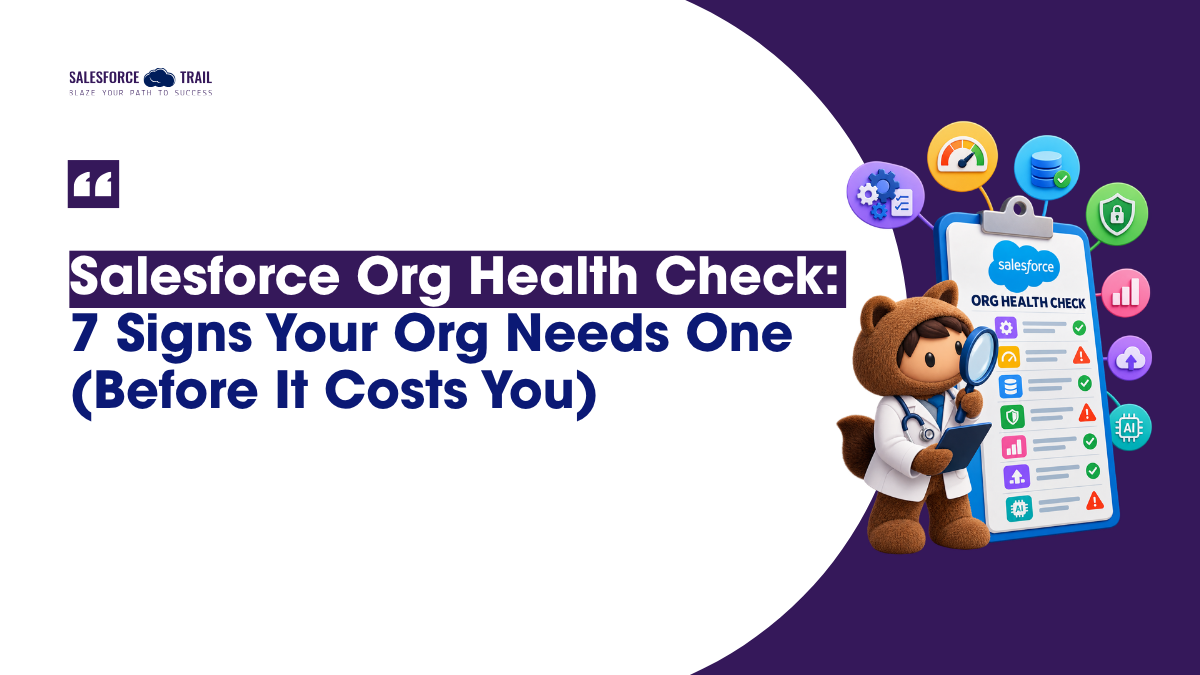
A Salesforce org health check is a structured review of your org’s automation, data quality, security, access model, and performance to catch risk and technical debt before it causes outages, bad reporting, or compliance problems. It’s broader than the built-in Security Health Check, which only scores your security settings.
That distinction trips people up constantly. The Security Health Check (Setup → Security → Health Check) gives you a single security score against Salesforce’s baseline. Useful, but narrow. A full org health check looks at everything the score ignores: the automation nobody documented, the fields nobody fills in, the permission sets nobody remembers creating.
Sign 1: Nobody can explain what fires when
You know this one. Someone asks why a field updated, and the honest answer is “let me get back to you.” The automation layer has become a house with rooms nobody’s opened in years.
Now, consider why it’s so important. Salesforce ended support for Workflow Rules and Process Builder on December 31, 2025. Your existing automations still run, but Salesforce no longer provides bug fixes for them. So every active Workflow Rule and Process Builder in your org is, as of today, unsupported logic sitting in production.
There’s a performance angle too. When a Workflow Rule, a Process Builder, a Flow, and a trigger all fire on the same object, they share one transaction’s governor budget: 100 SOQL queries and 10,000 milliseconds of CPU time for synchronous operations, per Salesforce’s Apex limits documentation. That shared budget is the real reason you get a “CPU time limit exceeded” email at 3 a.m. after what looked like a tiny change.
Check it in 5 minutes: Go to Setup → Process Automation → Workflow Rules and sort by the Active column. Then do the same under Process Builder, sorting by Status. Anything still active is on your migration list.
Sign 2: Users are waiting, and the errors land in your inbox
Slow page loads. Reports that spin. Row-lock errors during a data load.
Slow page loads, spinning reports, and ‘row-lock’ errors while loading data. These may seem like separate issues, but they’re often the same underlying story: the org is working harder than it should to do ordinary things.
Its cost is not immediately apparent, and that is precisely what makes it dangerous. Every additional second of ‘lag’ slightly reduces the number of adopters, and every ‘silent error’ signifies a task that should have been completed but wasn’t.
Check it in 5 minutes: Open Scale Center, which is now generally available on Enterprise and Professional editions, not just Unlimited. Look at the Governor Limits, Flow Performance, and Row Lock reports for recent spikes. If you’re on the Winter ‘27 release, the new Org Health and Usage dashboard also surfaces performance errors and Lightning Experience performance in one view.
Sign 3: Your Page Layouts scroll forever, and half the fields are empty
Open your Opportunity layout. Really look at it. If filling in a single record means scrolling past fields your reps have silently agreed to ignore, you’ve found technical debt in its most visible form.
This is more common than most teams admit. Research from Elements.cloud, a metadata vendor that analyzes billions of metadata items across tens of thousands of orgs, found that 41% to 43% of custom fields are never populated, and the average Opportunity page layout carries around 150 fields. Empty fields aren’t harmless. They count against your per-object field cap (500 on Enterprise, 800 on Unlimited, per Salesforce’s allocations), they slow down the people doing data entry, and they feed noise to any AI feature you later point at the object.
Check it in 5 minutes: Install the free, Salesforce-endorsed Org Check app and run a field-population pass. (If you’re wondering where Salesforce Optimizer went, it was retired in Winter ‘26, and Org Check is the replacement Salesforce now points admins to.)
Sign 4: Dashboards get argued about instead of acted on
There’s a specific meeting where this comes up. Two people pull what should be the same number, but the numbers don’t match, and the next twenty minutes are spent debating the data instead of the decision. When your reporting is on trial, you have a data quality problem, not a dashboard problem.
This situation is quite serious. Validity’s 2025 report found that 76% of organizations say less than half their CRM data is accurate and complete, and that 37% of staff admit to fabricating data to tell leadership what it wants to hear. Salesforce’s own State of Data and Analytics report from November 2025 puts the share of data that leaders consider untrustworthy at 26%. Dirty data doesn’t just produce bad reports. It erodes the trust that makes anyone act on a report.
Check it in 5 minutes: Go to Setup → Duplicate Rules and see what’s actually active. Then run a duplicate-record report on your core objects. The gap between “we have rules” and “the rules are on” is usually where the mess lives.
Sign 5: Access has sprawled, and nobody’s reviewed the connected apps
There is a profile for almost everyone. Permission sets created for specific needs remain in place long after they are no longer required. Inactive users still hold licenses. OAuth grants have been issued to tools that no one on the current team remembers approving. Access tends to accumulate because granting it is easy, whereas revoking it requires active attention.
The connected-app piece deserves real attention after 2025. In August of that year, attackers used compromised OAuth tokens from the Salesloft Drift integration to export data from a large number of Salesforce instances. Google’s Threat Intelligence Group documented the campaign and advised affected organizations to treat their Salesforce data as compromised. To be precise about it: this was a third-party integration being abused, not a flaw in the Salesforce platform. But it’s the clearest recent reminder that every connected app is a door, and doors need reviewing.
Check it in 5 minutes: Read your Security Health Check score. On Salesforce’s own scale, anything below 70% lands in “Poor” or worse. Then check Setup → Connected Apps OAuth Usage and ask, for each entry, “do we still use this?”
Sign 6: Every release and deployment is a little bit scary
If deploy day involves crossed fingers, that fear is data. It’s telling you the org has grown unpredictable, usually because changes go in without documentation and dependencies aren’t traced before anyone hits the button.
Gearset’s State of Salesforce DevOps research found that bugs caused an outage at 21% of businesses in 2024, and that in 2026, 18% of teams primarily catch issues in production rather than before. Production is the most expensive possible place to find a bug. And the pressure doesn’t let up: Salesforce rolls out new releases three times annually with updates that truly test your readiness. Organizations that ignore them see risk silently compound with each cycle.
Check it in 5 minutes: Open the Release Updates page in Setup to see what’s scheduled to enforce. Then skim Setup Audit Trail for recent changes nobody logged or mentioned.
Sign 7: You’re creeping toward limits, and now the business wants AI
Storage warnings. API throttling. That field cap you’ve started to feel nervous about. And then, on top of it, a mandate from leadership to “put Agentforce on it.”
Storage is finite. Enterprise orgs get 10 GB per org plus 20 MB per user license, per Salesforce’s storage allocations, and it fills faster than anyone expects. The AI part is where an untidy org stops being a nuisance and becomes a liability, because AI amplifies whatever you aim it at. Salesforce’s November 2025 data report found that 84% of data and analytics leaders say their data strategy needs a complete overhaul for AI to succeed. Point an agent at messy data, and you don’t get intelligence. You get confident, fast, wrong answers.
Check it in 5 minutes: Go to Setup → Storage Usage to see where you stand against your allocation, and check the storage metrics in the Org Health and Usage dashboard if you have it.
You recognized two or three of these. Now what?
If a few of these landed, take the win first: naming the symptom is the genuinely hard part, and you’ve done it. Most orgs never get that far.
Here’s the current toolkit, in one place, because a lot of older guidance still sends people to tools that no longer exist. Use Security Health Check for your security score, the free Org Check app for metadata and technical debt (this is the Optimizer replacement), Scale Center for performance, and, if you’re on Winter ‘27, the new Org Health and Usage dashboard as a single-pane overview. Setup Audit Trail backs all of it up for tracking who changed what.
The habit matters more than any single tool. Run a health check at least once a year, before any major implementation, and before any AI rollout. An assessment conducted at the right time transforms ‘invisible debt’ into a business case that your leadership can see and fund; often, this is precisely what holds you back from fixing the problem.
Start with Sign 1. Pull up your active Workflow Rules and Process Builders this week, because that list is both your clearest risk and your most concrete migration plan. Everything else can follow from there.
Frequently Asked Questions
Security Health Check is a built-in security score in Setup that grades your settings against a Salesforce baseline. A full org health check is broader: it also reviews automation, data quality, access, performance, and technical debt. The score is one input into the larger review, not the whole thing.
Salesforce retired Optimizer in Winter ‘26 and now points admins to the free Org Check app for metadata and technical debt analysis. For performance, use Scale Center, and in Winter ‘27 the new Org Health and Usage dashboard gives you a consolidated view.
At least once a year as a baseline, plus before any major implementation or AI rollout. Many teams also do a lighter quarterly review of security, storage, and failed automations to catch problems while they’re still small.
Yes, they still run. But Salesforce ended support and bug fixes on December 31, 2025, so any active ones are now unsupported automation in production. Migrating them to Flow is the recommended path, and the built-in Migrate to Flow tool helps.
Look for the signs in this article: overlapping automation nobody can explain, unused fields and objects, duplicate data, permission and profile sprawl, and deployments that feel risky. If two or three of those sound familiar, you have technical debt worth assessing.
Yes. The native tools (Security Health Check, Org Check, Scale Center, and Setup Audit Trail) let any admin self-diagnose the major problem areas. For large-scale remediation, especially around automation migration or data cleanup, it’s worth bringing in extra help.

Priya Rastogi
Priya is a 3x Salesforce Certified who believes in the power of continuous learning and collaboration. She’s passionate about exploring how Salesforce can simplify work, boost productivity, and create better user experiences. When she’s not experimenting with new features or automating processes, Priya enjoys connecting with fellow Trailblazers and sharing insights to help others grow in their Salesforce journey.
- Priya Rastogi

- Priya Rastogi
- Priya Rastogi
- Priya Rastogi